Overview
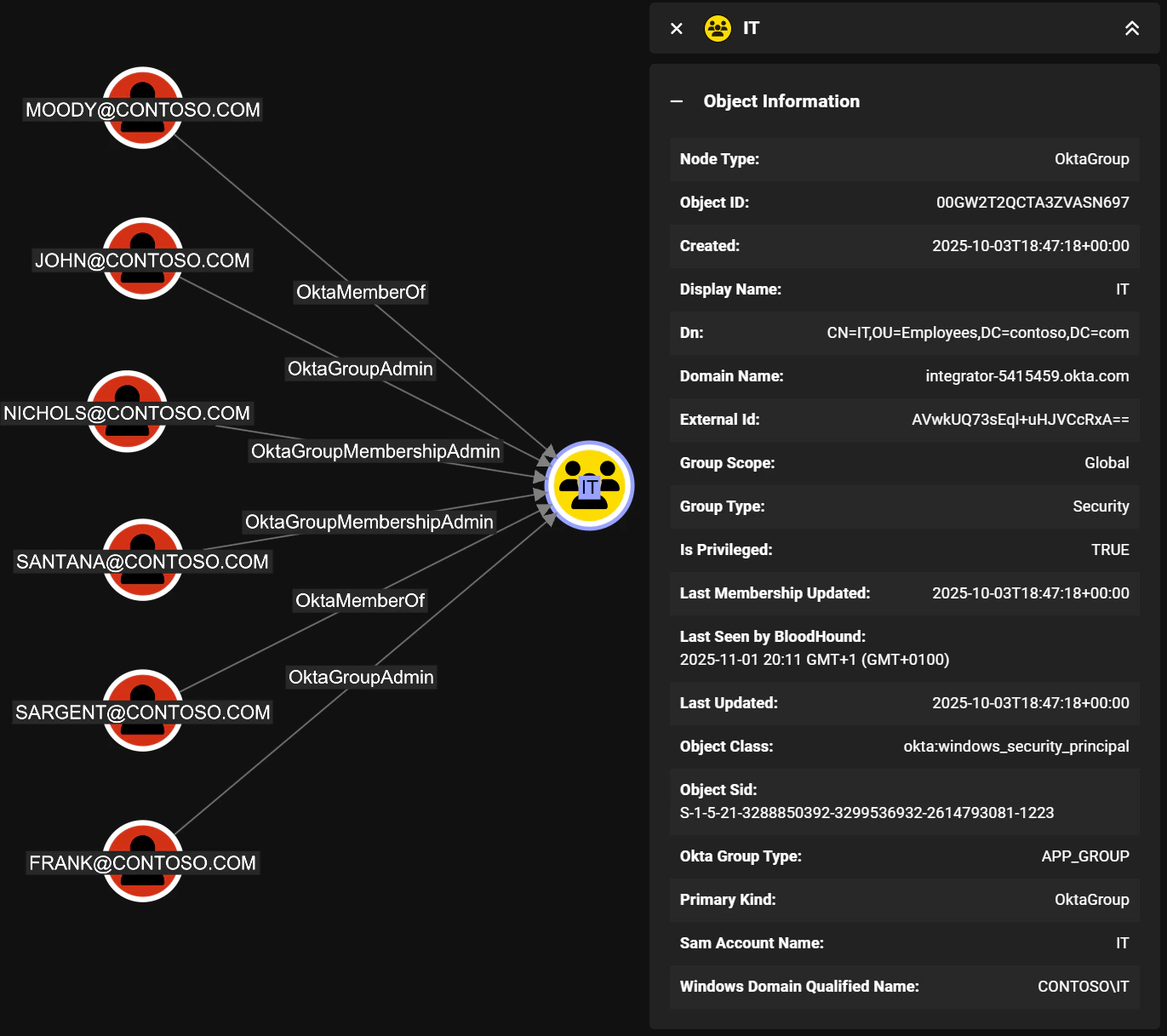
Groups in Okta are collections of users that can be used to manage access to applications and resources. Groups can be created manually or synchronized from external directories such as Active Directory. The built-in Everyone group always contains all users in the Okta organization. Only users can be members of groups and groups cannot be nested. InOktaHound, groups are represented as Okta_Group nodes.
Edges
The tables below list edges defined by the OktaHound extension only. Additional edges to or from this node may be created by other extensions.
Inbound Edges
Outbound Edges
Properties
Standard Okta group properties:
Additional properties of groups synchronized from Active Directory:
Sample Property Values
Example of a group created directly in Okta:Synchronization with External Directories
Similarly to users, groups can also be synchronized from external directories. The Okta API exposes the original Active Directory attributes, which are then collected byOktaHound: