Configuration location
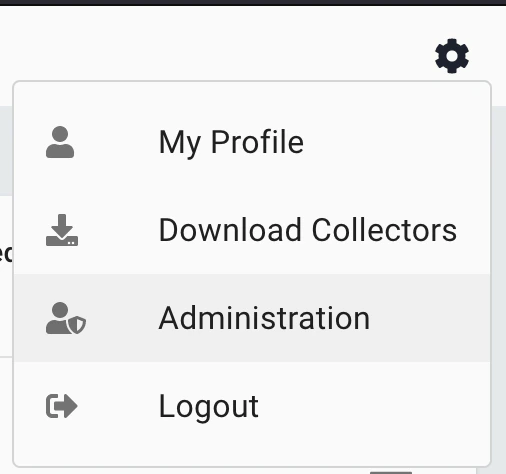
- Tenant configuration of SharpHound Enterprise occurs within the Config -> Administration -> Manage clients view.
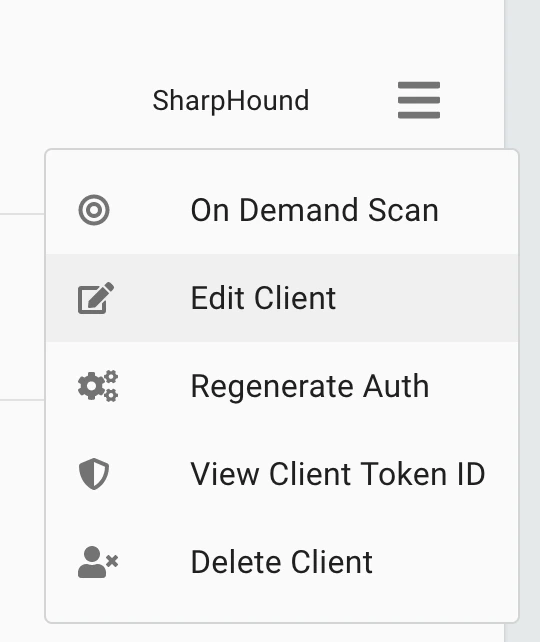
- Click on the hamburger menu on the right-hand side of any SharpHound collector to see the options available.
Configure Options
On Demand Scan
Kick a collection off immediately. See Run an On Demand ScanEdit Client
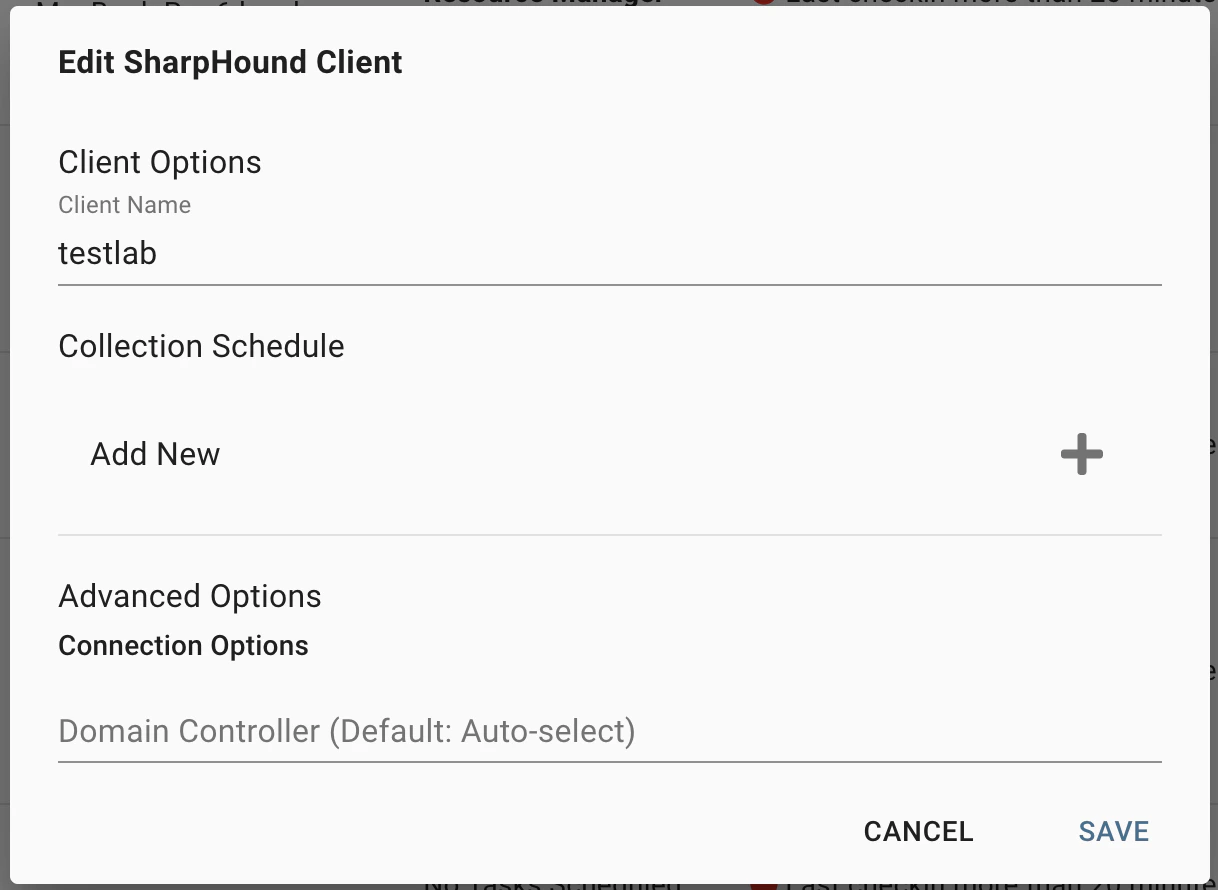
Opens the client modification dialog, providing multiple options: